October 8, 2026
6 min read
If you manage a website or mobile app for a state agency, a city or county, or a public university, your digital accessibility deadline is likely April 26, 2027.
That’s the date set by the U.S. Department of Justice (DOJ) for web content and mobile applications to meet the requirements of Title II of the Americans with Disabilities Act (ADA), which requires compliance with Web Content Accessibility Guidelines (WCAG) 2.1 Level AA accessibility standards.
Who has to comply with the ADA accessibility rule?
The April 2027 deadline applies to state and local governments with a population of 50,000 or more, which includes most public universities. Smaller governments and special districts, such as transit authorities and utility districts, have until April 26, 2028. Population is based on U.S. Census data, not how many people visit your site.
Does the ADA accessibility rule apply to public universities?
Yes. As public entities, they fall under Title II, and most will face the 2027 deadline. That includes online courses, digital course materials, and virtual events, as well as the main university website. Departments, colleges, and centers that run their own sites are part of the same obligation.
What content does the ADA accessibility rule cover?
The rule reaches further than many teams expect. According to the DOJ’s own guidance, it generally covers:
- Your web pages, including service and program information
- Current documents, like application forms and ordinances posted as PDFs
- Social media posts published after the deadline
- Third-party tools you provide, like a payment portal or a parking app
- Password-protected portals and the general notices inside them
- Course content, including learning management systems and required readings
Some older content may qualify for exceptions, such as clearly labeled archives or documents posted before the deadline that no one uses to access services. But those exceptions are narrow. Most organizations will need to update far more than their homepage. The good news: with a clear plan and the right partner, you can reach conformance on time and build a website that works better for everyone.
Is an automated accessibility scan enough?
Many teams start with an automated scan. That’s a smart place to begin. Reaching conformance also takes people, process, and documentation.
However, automated tools catch only a fraction of real barriers. They can’t tell you that a form’s error messages are confusing, that keyboard navigation traps a visitor in a menu, or that a page is too dense to follow. Those issues take a trained human eye and testing with real assistive technology.
Scanners also tend to report the same defect over and over. When a problem lives in a shared template or component, it reappears every time a page regenerates. Fixing it page by page means repeating the work. Fixing it once, at the source, means it stays fixed.
Documentation matters too. If a complaint arises, you’ll want a clear record of what you tested, what you found, and what you fixed.
How Aldoni gets you there and keeps you there
For 30 years, Aldoni has partnered with government, higher education, healthcare, and other mission-driven organizations, bringing strategy, design, development, and ongoing support to complex open source platforms. Our Accessibility Monitoring service takes you to WCAG 2.1 AA conformance (or better) and keeps you there. Already have audit findings? We’ll start there and turn them into a clear roadmap to the deadline.
We test with real people
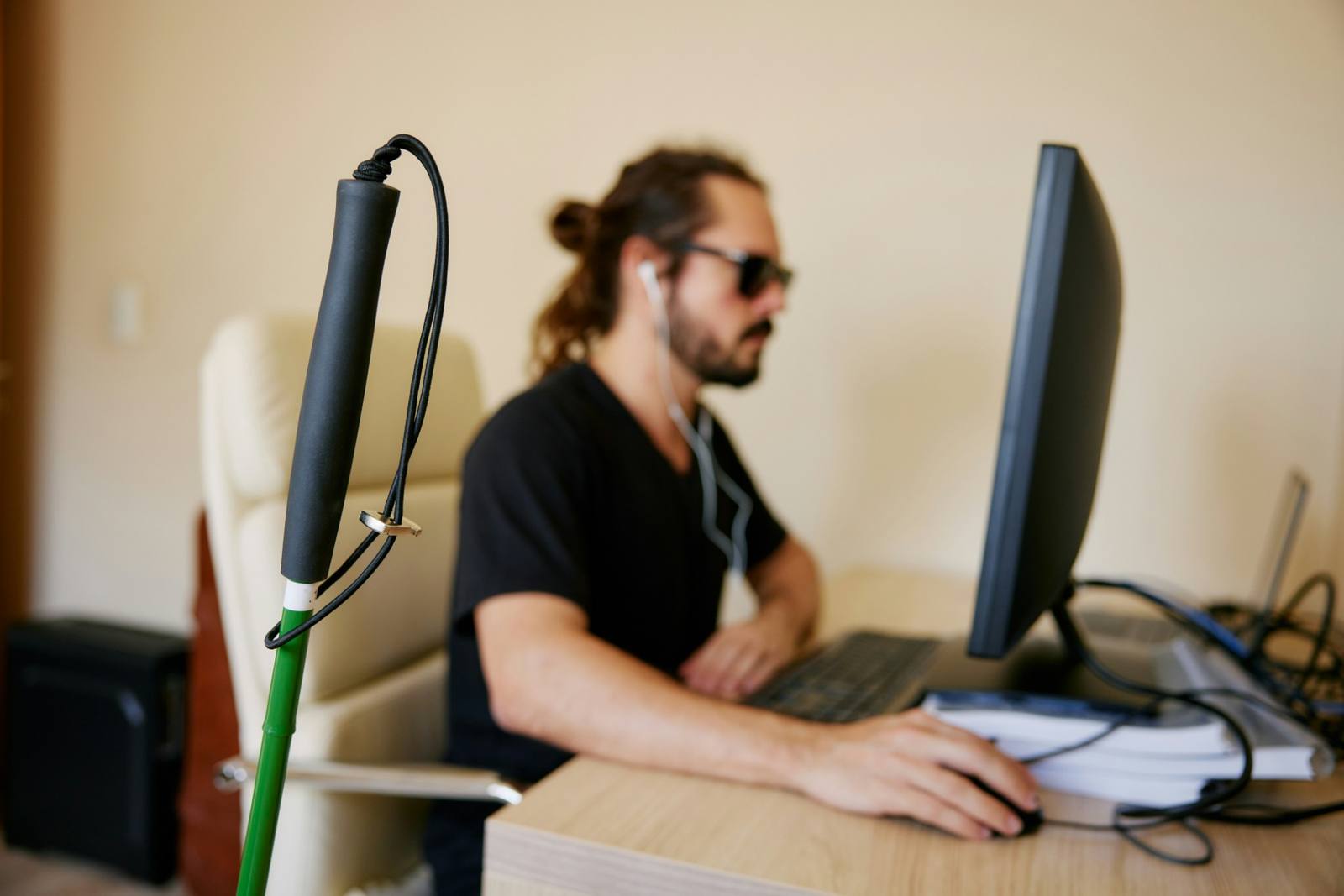
We test with screen readers, keyboard-only navigation, and other assistive technology, alongside the people who rely on them. We run remote usability sessions through vetted recruiting platforms and in-person sessions when you can connect us with your audiences. Both surface barriers that standards checklists miss.
We fix accessibility issues in your content management system
Monitoring tools surface issues, and our developers resolve them. If you’re running Drupal as your content management system (CMS), we can fix your theme and components, test the fixes with assistive technology, and confirm they’re resolved. We can also configure the CMS so accessible content is the default, with reusable templates and in-editor checks that flag issues and show what to fix first.
If you’re not running Drupal, we’ll provide a full set of recommendations for your development team to implement.
Either way, we look for the pattern behind recurring issues, whether it’s a component gap, a CMS template flaw, or a configuration setting, so each problem gets fixed once.
We train your team in accessible content practices
Most accessibility drift happens after launch, one page at a time. We train your editors and content authors in practical best practices, from writing descriptive link text and alt text to structuring headings and creating accessible documents. Clear guidelines give every content creator the same expectations, whatever CMS you use.
Regular content audits catch drift as teams change and pages pile up.
We build accessibility into new sites from day one
Launching or redesigning a site before the deadline? That’s the ideal time to build accessibility in from day one, rather than fixing it after launch. Our standard Drupal distribution has accessible patterns built into its components, so every new page inherits conformance instead of needing another audit. It includes:
- An accessible component library of pre-tested navigation, forms, cards, and other patterns that meet WCAG 2.1 AA out of the box
- Interactive specs, so developers and stakeholders can see each component’s accessible behavior in every state
- A living style guide your team can hand to new hires, vendors, and agencies
We make your content easier for search and AI to read
The same clean, well-labeled structure that serves people who use screen readers also helps search engines and AI tools read your content correctly. As chatbots and AI overviews increasingly answer questions straight from your pages, accessible content supports both generative engine optimization (GEO), which helps AI tools summarize and cite your content accurately, and answer engine optimization (AEO), which helps your pages surface as direct answers in search results and voice assistants.
We document everything
If a complaint or audit comes, you’ll be ready. We maintain:
- A living audit trail of what was tested, when, and what was fixed, separating known issues from new regressions—evidence of a good-faith, ongoing effort
- Remediation logs kept for three years, so your records are in place if questions come up later
- Formal Accessibility Conformance Reports (ACRs), built on the Voluntary Product Accessibility Template (VPAT), to share with stakeholders and procurement partners
- Written standards and decision logs that outlast staff turnover
Start now, finish with confidence
Starting now gives your team time to fix issues at the source, not just meet the date. You don’t have to start from scratch, and you don’t have to do it alone. Whether you’re looking at your first scan or a backlog of known issues, we can meet you where you are.
Ready to get started? Let’s talk.